


For clients
Look good.
Book easy.
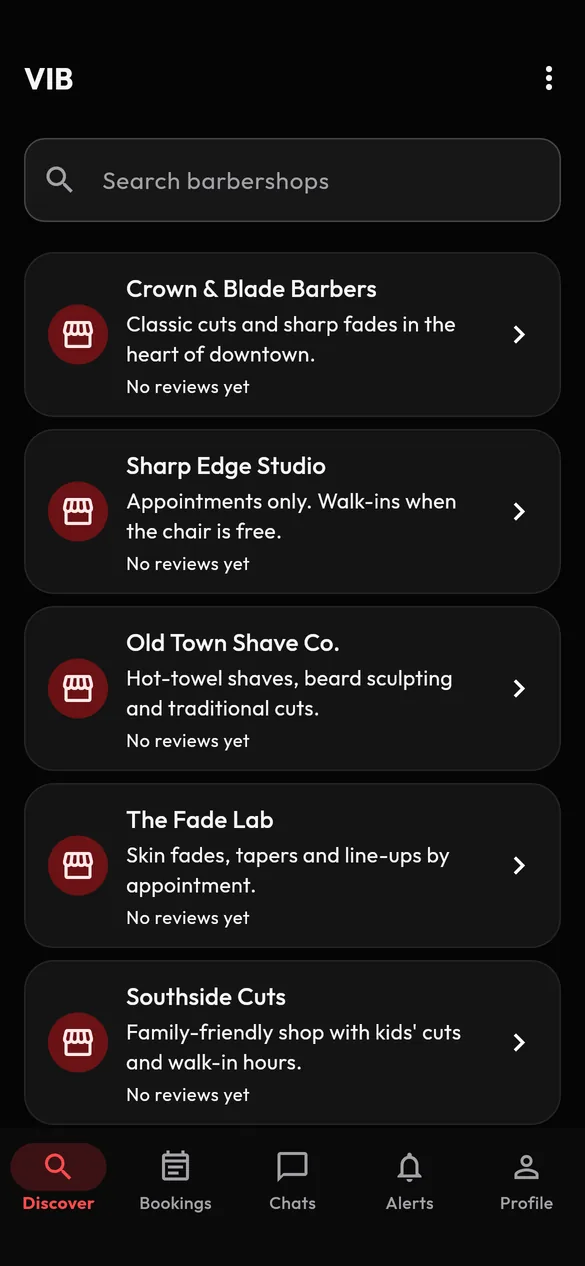
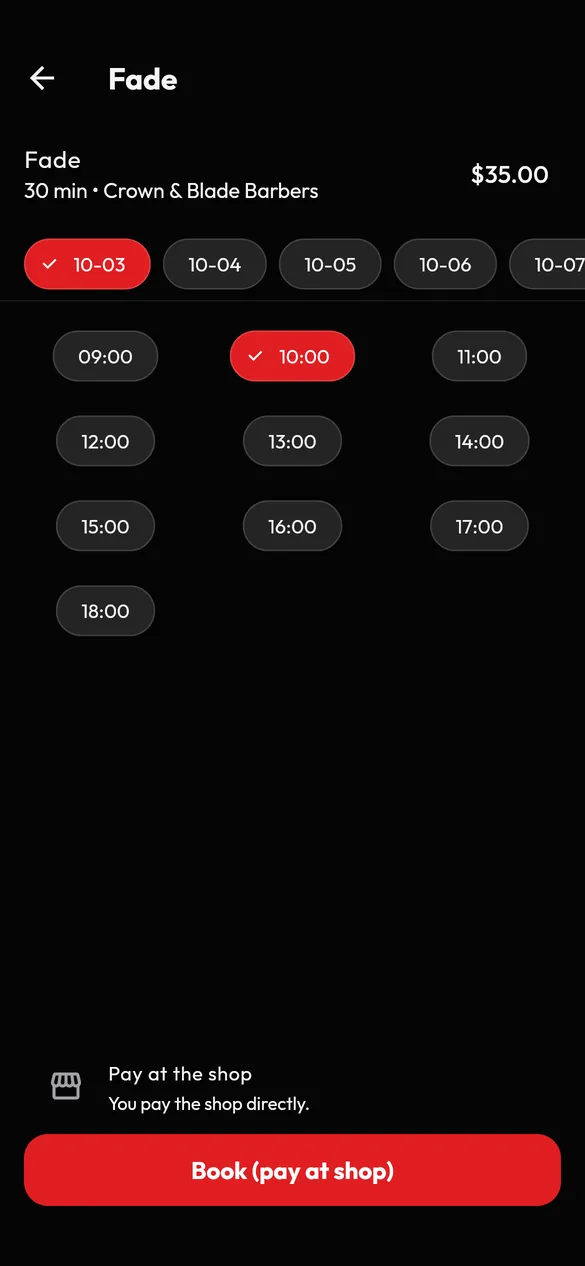
Find a shop, pick your barber and service, choose a time, and chat about the cut you want.
Barbers × Clients × Shops
Find a barbershop, look at its barbers, services and reviews, book a time that works, and message your barber about it, all from your phone.
For clients
Find a shop, pick your barber and service, choose a time, and chat about the cut you want.

For barbers
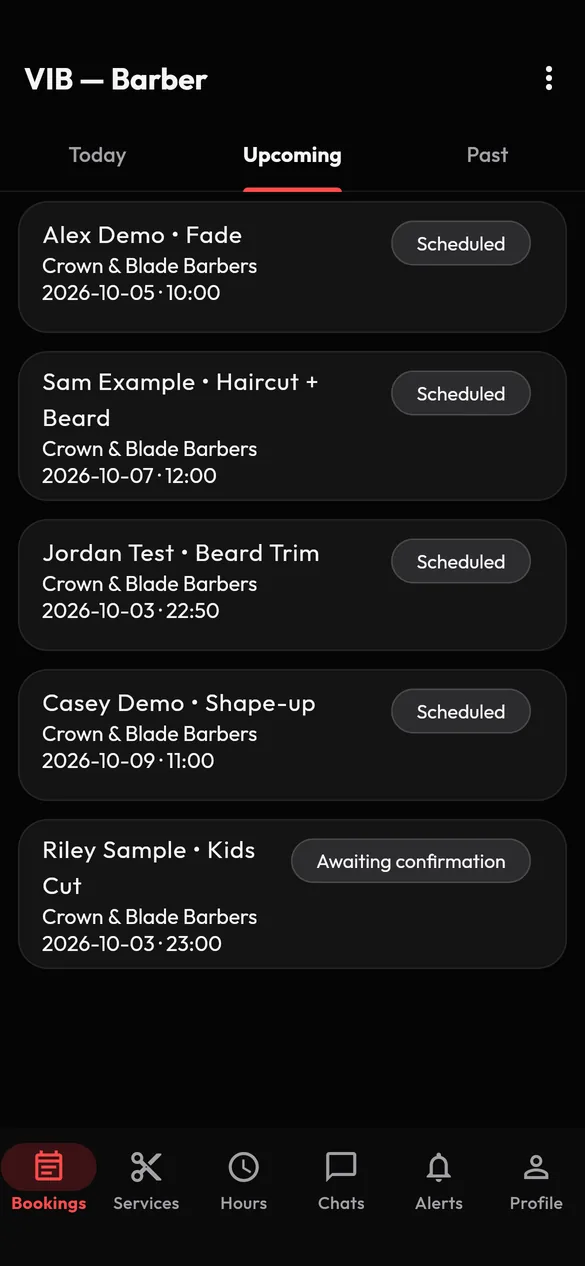
Set your services, prices and hours, see your day at a glance, and stay in touch with the people you serve.

For shops
Keep your shop profile, hours and team up to date, and see the schedules your barbers choose to share.
The VIB app
Discover. Book. Connect. Manage.
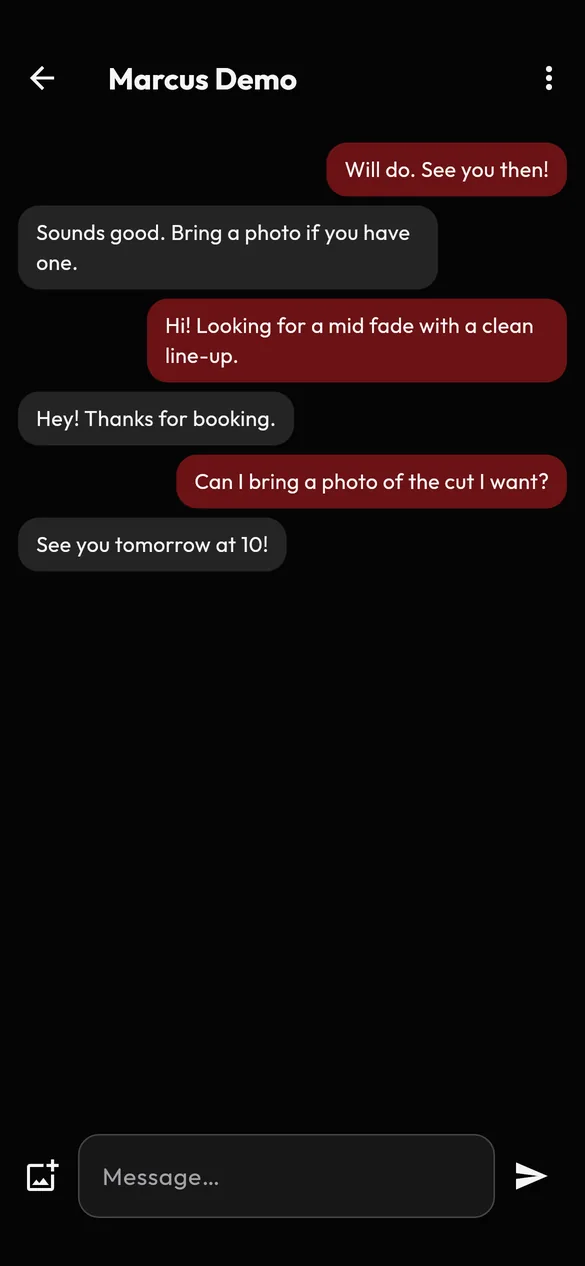
Screens shown are the VIB 1.1.0 app screens running with synthetic demo data (made-up names).
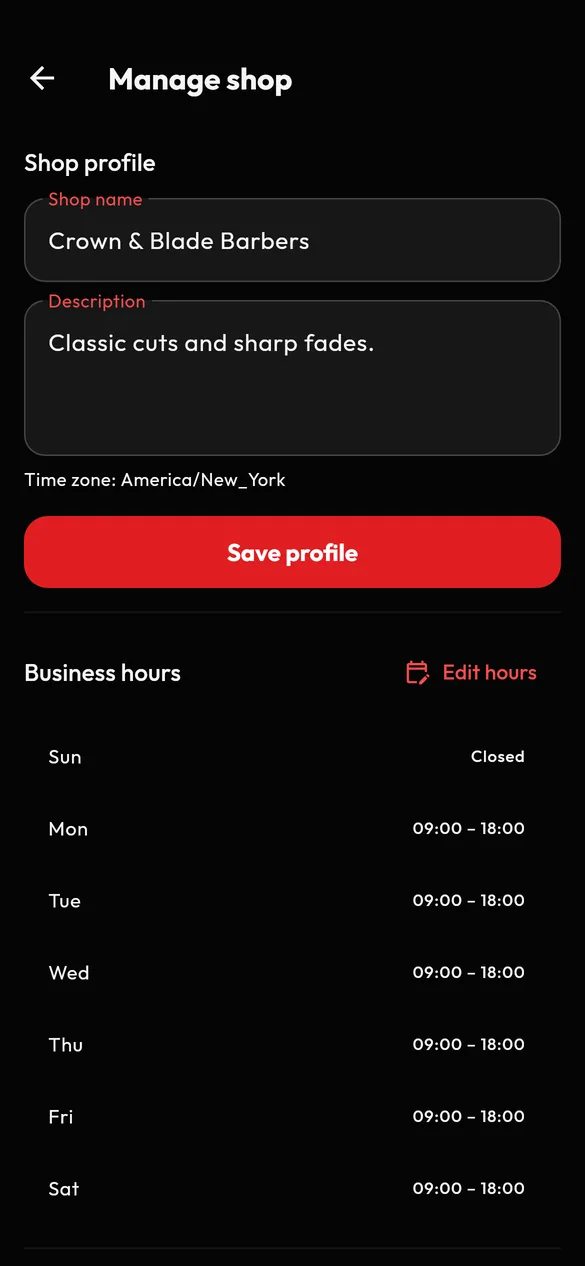
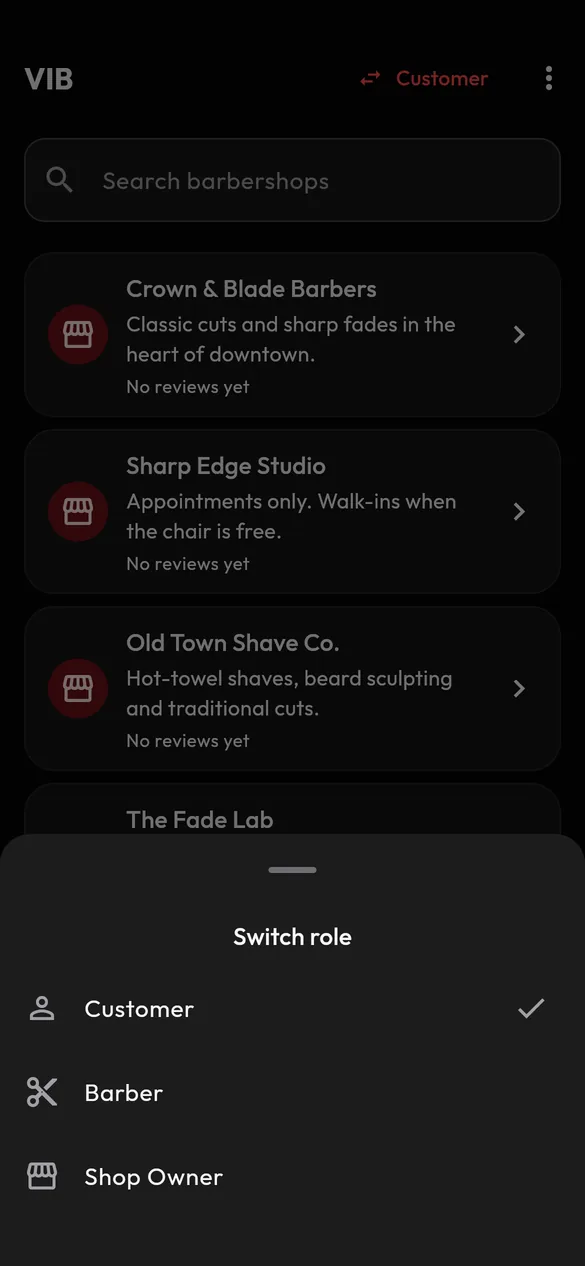
Built around real barber workflows
VIB is an app that connects clients, barbers and barbershops. Clients find shops and barbers, book appointments and message their barber. Barbers and shop owners manage their services, hours and team.
Yes, the app is free to download and use. In this version there are no payments in the app: you pay your barber or shop directly at your appointment.
Open the Discover screen and search for a barbershop by name. Open a shop to see its barbers, services and reviews.
Choose a barber and a service, pick a day and an open time, and confirm. You will need to verify your email address first. Your booking appears in your Bookings list.
Yes. Open an appointment and choose Message to start a chat with your barber. You can send text messages and photos.
Open the appointment and choose Cancel appointment. Please cancel as early as you can so your barber can offer the time to someone else. Whether a shop may charge for a missed appointment is between you and the shop.
Create an account, open the menu, choose Add a role and pick Barber, then verify your email and activate. You switch on your barber tools yourself. Clients book barbers through shops that are live on VIB, so contact us and we will tell you how to get connected to your shop.
During launch, VIB sets up each shop for its owner. Contact us with your shop name and the email address you registered with.
You can report messages, people, reviews and barber profiles, and block anyone instantly. VIB Support reviews every report and aims to look at each within 24 hours. Read more on the Safety and Reporting page.
In the app, go to Profile, then Delete account. If you cannot use the app, see Delete your account.
The App Store listing is coming soon. The Google Play listing is coming soon.
VIB is built for iPhone and Android. Create an account, find your shop and book your next appointment.