

Your chair, your schedule, your clients
VIB gives barbers one place to publish their services, manage their hours, see their appointments and stay in touch with the people they serve.
- Coming soonApp Store
- Coming soonGoogle Play
Start on your own terms
Barber activation is self-service. Create an account, open the menu, choose Add a role and pick Barber. Verify your email and activate your barber tools. There is no approval queue to wait in.
Clients book barbers through shops that are live on VIB, so your services can be booked once you are part of a shop. During launch VIB handles shop set-up, so contact us to get connected.
You set the menu
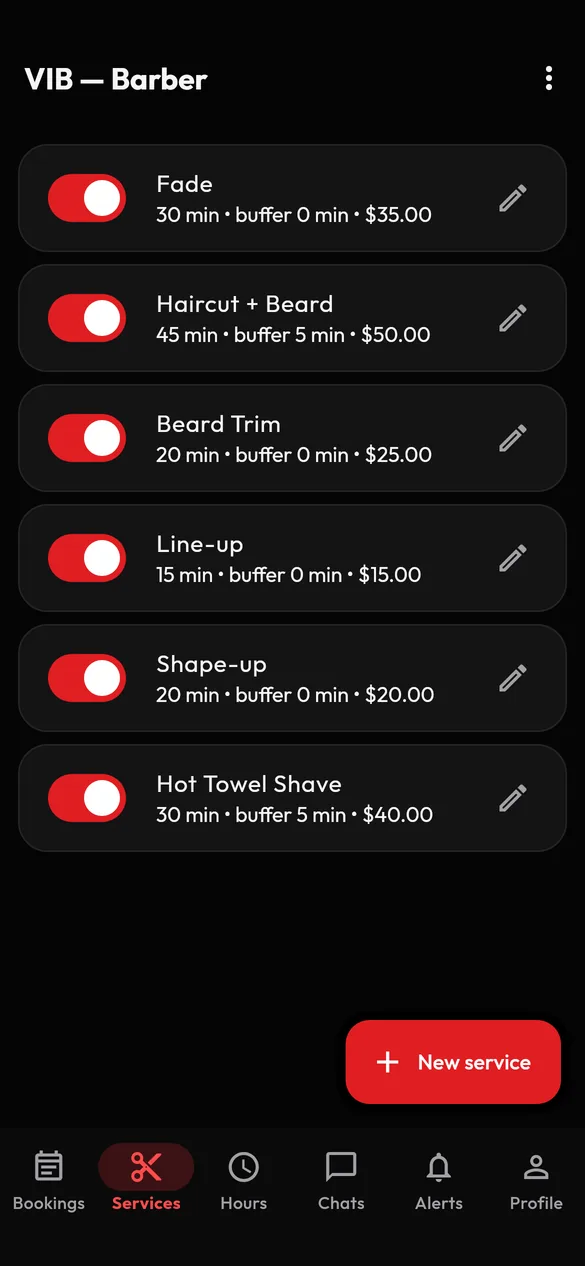
Create each service with a name, an optional description, a price, a duration and optional buffer time afterwards. Prices and durations are yours to set. Switch a service off when you do not want to offer it, and switch it back on when you do.
You set the hours
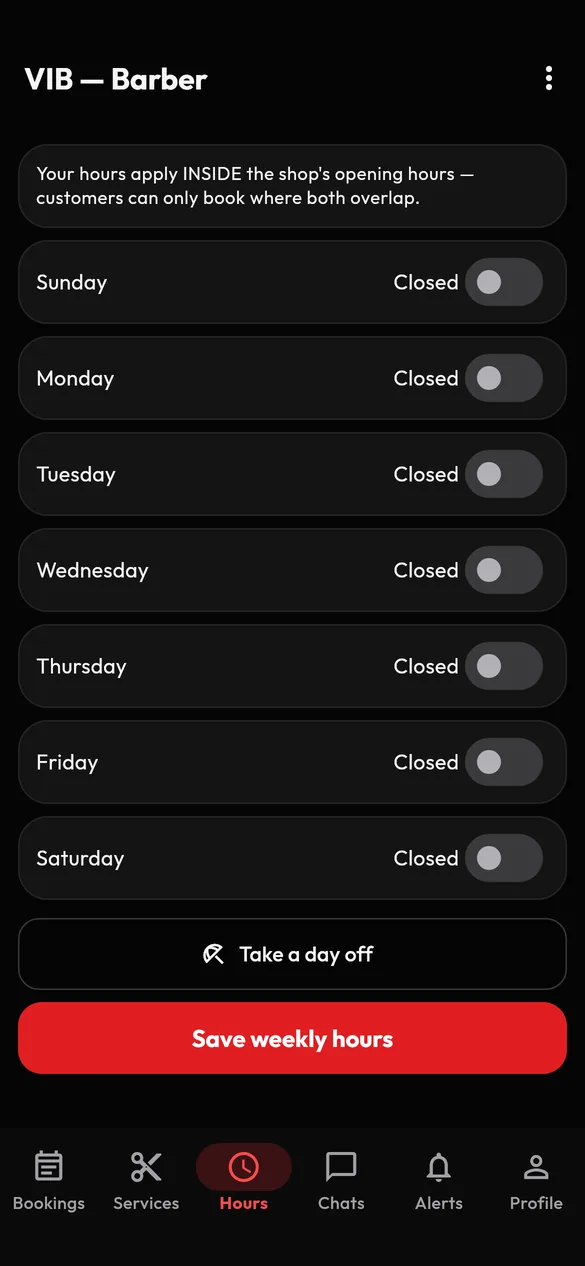
Save your weekly hours so clients can only book times you are open. Need a break? Take a day off and clients will not be able to book it.
See your day at a glance
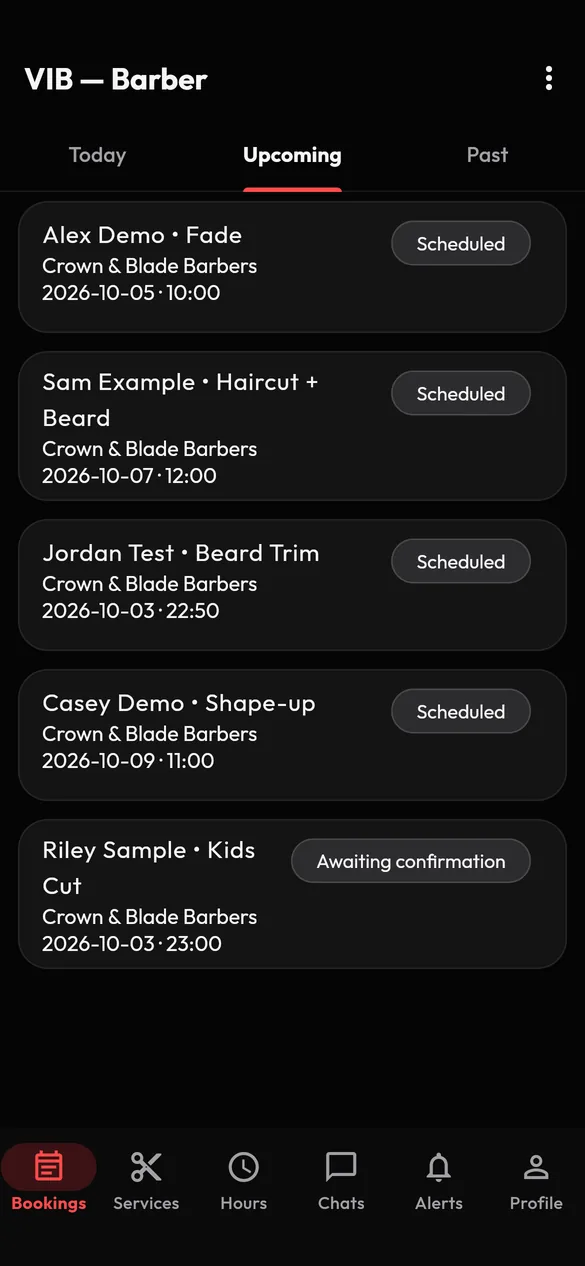
Your appointments are sorted into Today, Upcoming and Past. When a client arrives, start the service. When you finish, mark it done, and the client confirms it was completed. Each appointment shows who, what and when.
Stay in touch with your clients
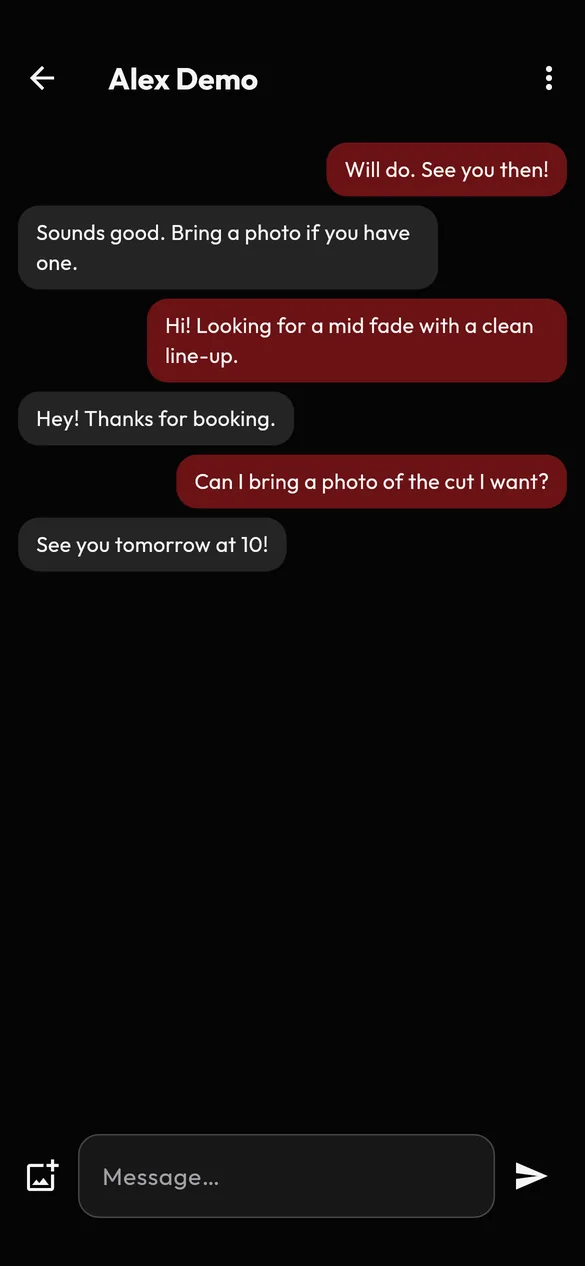
Each appointment has its own chat with the client, so you can answer a question or confirm a detail without swapping phone numbers. Clients can send photos of the style they want. If a conversation turns abusive, you can report or block the person from the same screen.
Working with a shop
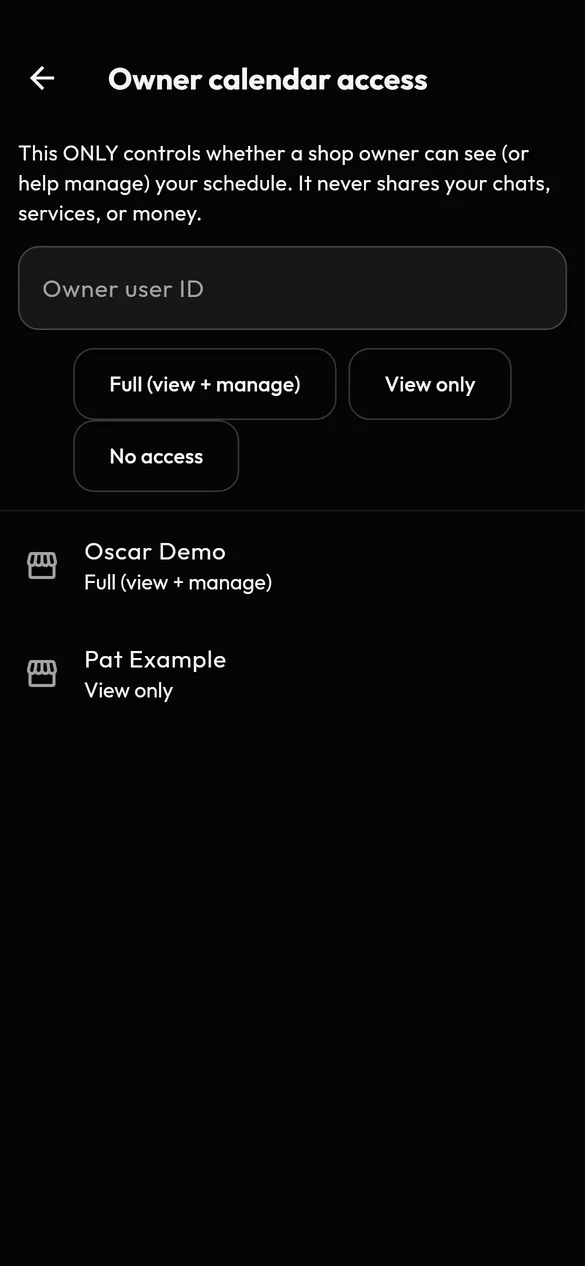
If you work with a shop, you stay in charge of your own calendar. From your profile, choose Owner calendar access to give a shop owner access at the level you want: full (which lets the owner view and manage your weekly hours), view-only, or none. You can change it later. In the app, shop owners manage their shop and team; they cannot change your services or prices.
One account, several roles
You can also book as a client. If your account holds more than one role, switch between them from the role button in the app without signing out.
Professional, respectful and safe
Our Community Guidelines apply to everyone, and they ask a little more of barbers and shop owners: keep your profile accurate, honour confirmed appointments (or tell the client in the chat as early as you can if you cannot), hold the licences your work requires, and treat every client with respect. You can report and block anyone who breaks the rules, and VIB Support reviews every report.
Barber questions
Does VIB approve barbers?
No. Barber activation is self-service once you have verified your email and activated your barber tools. VIB does not vet or endorse anyone on the platform, and you are responsible for the licences and permits your work requires.
Does VIB take payments for me?
No. VIB does not take payments in this version. Clients pay you directly at their appointment.
Can a shop owner change my services or prices?
In the app, no. You manage your own services, prices, durations and availability. A shop owner sees your schedule in the app only if you give them access. Because bookings are made at the owner's shop, owners can also see the bookings made there.
Can I be both a barber and a client?
Yes. Add the roles you need on the same account and switch between them in the app.
How do I report a client who is abusive?
Open the chat and choose Report user or Block user from the menu at the top. See Safety and reporting.